Draw pairs of bargraphs based on two groups
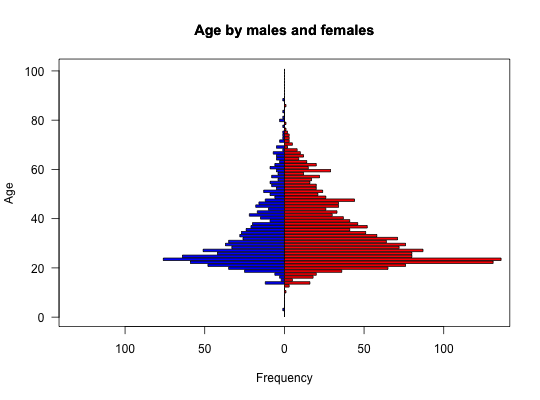
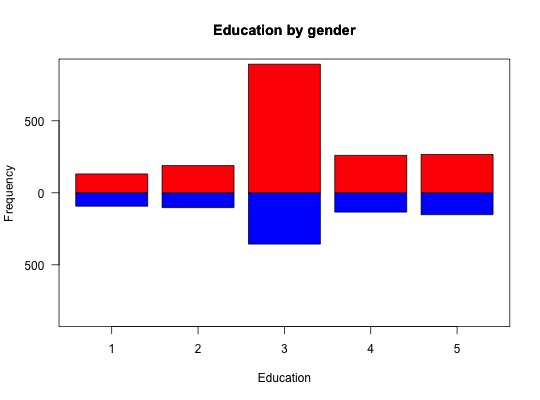
When showing e.g., age or education distributions for two groups, it is convenient to plot them back to back. bi.bars will do so.
bi.bars(x,grp,horiz,color,label=NULL,zero=FALSE,xlab,ylab,...)
Arguments
| x | The data to be drawn |
|---|---|
| grp | a grouping variable. |
| horiz | horizontal (default) or vertical bars |
| color | colors for the two groups -- defaults to blue and red |
| label | If specified, labels for the dependent axis |
| zero | If TRUE, subtract the minimum value to make the numbers range from 0 to max -min. This is useful if showing heights |
| xlab | xaxis label if appropriate |
| ylab | y axis label otherwise |
| … | Further parameters to pass to the graphing program |
Details
A trivial, if useful, function to draw back to back histograms/barplots. One for each group.
Value
a graphic
Examples
data(bfi)
with(bfi,{bi.bars(age,gender,ylab="Age",main="Age by males and females")
       bi.bars(education,gender,xlab="Education",main="Education by gender",horiz=FALSE)})